Idle & Unused Resources
This agent surfaces AWS resources that are billed for standing hours or storage with no real usage behind them, and gives you a way to act on them, whether that's a PR against your IaC or a cleanup step for resources outside it.
What it detects
The agent runs these checks daily against your billing and resource data:
- Idle NAT Gateways — billed for standing hours with zero bytes processed
- Idle Client VPN Endpoints — billed for standing hours with zero metered usage
- Idle Load Balancers — ALBs and NLBs with zero LCU usage, Classic ELBs with zero data processed
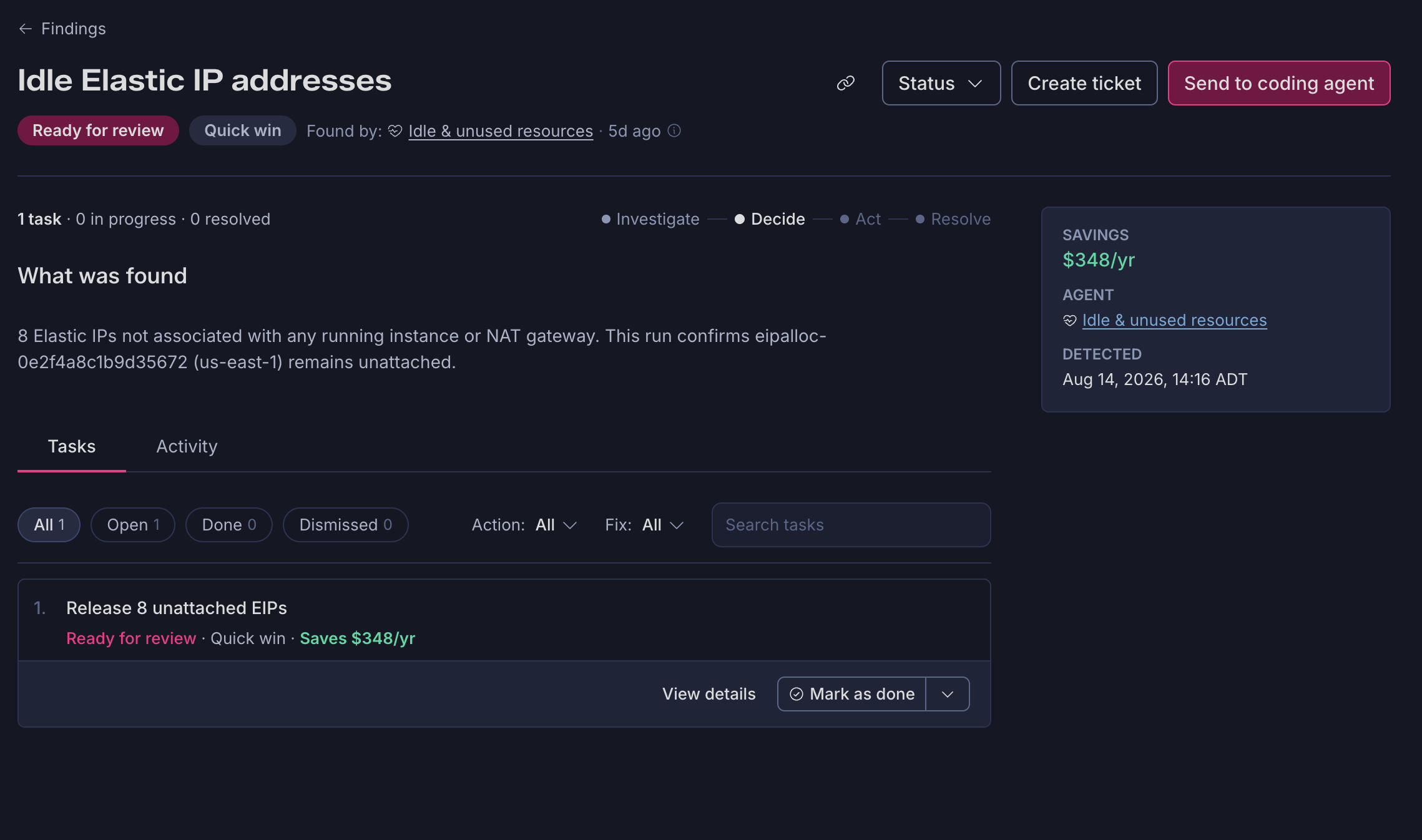
- Unassociated Elastic IPs — accumulating persistent unassociated hours
- Idle VPC Interface Endpoints — billed for standing hours with zero bytes processed
- Idle Network Firewall Endpoints — billed for standing hours with zero received packets
- Orphaned EBS Snapshots — surfaced from the snapshot bill for review
- Empty EKS Clusters — zero managed nodegroups
- Stopped RDS Instances — RDS, DocumentDB, and Neptune instances in a stopped state still accruing storage and backup costs
- Unattached EBS Volumes — candidates for deletion pending verification
What it investigates
A check firing isn't the same as a confirmed finding. Some categories, like idle network resources and unassociated Elastic IPs, need a live investigation to confirm the resource is genuinely idle and locate its IaC definition before anything gets proposed. Others carry their own caveats, for example: EKS clusters are checked against Karpenter-managed nodes so scaled-to-zero clusters aren't mistaken for unused ones, and unattached EBS volumes are checked against AMI references before removal is recommended.
For example, one investigation into idle VPC interface endpoints found 28 endpoints total, but only recommended removing one: the other 27 were tagged as high-risk base infrastructure and actively referenced in Terraform. The one it flagged had its IaC definition fully commented out and a $19/month standing charge with zero bytes processed, evidence pulled directly from your infrastructure code and billing data, cited alongside the finding.
Most tools would flag all 28 endpoints and hand you a spreadsheet to sort through, this agent does the sorting for you, so the one finding you see is already the one worth acting on.
Prerequisites
- AWS Integration connected
- GitHub App or GitLab App connected, if you want fixes opened as pull requests against your IaC